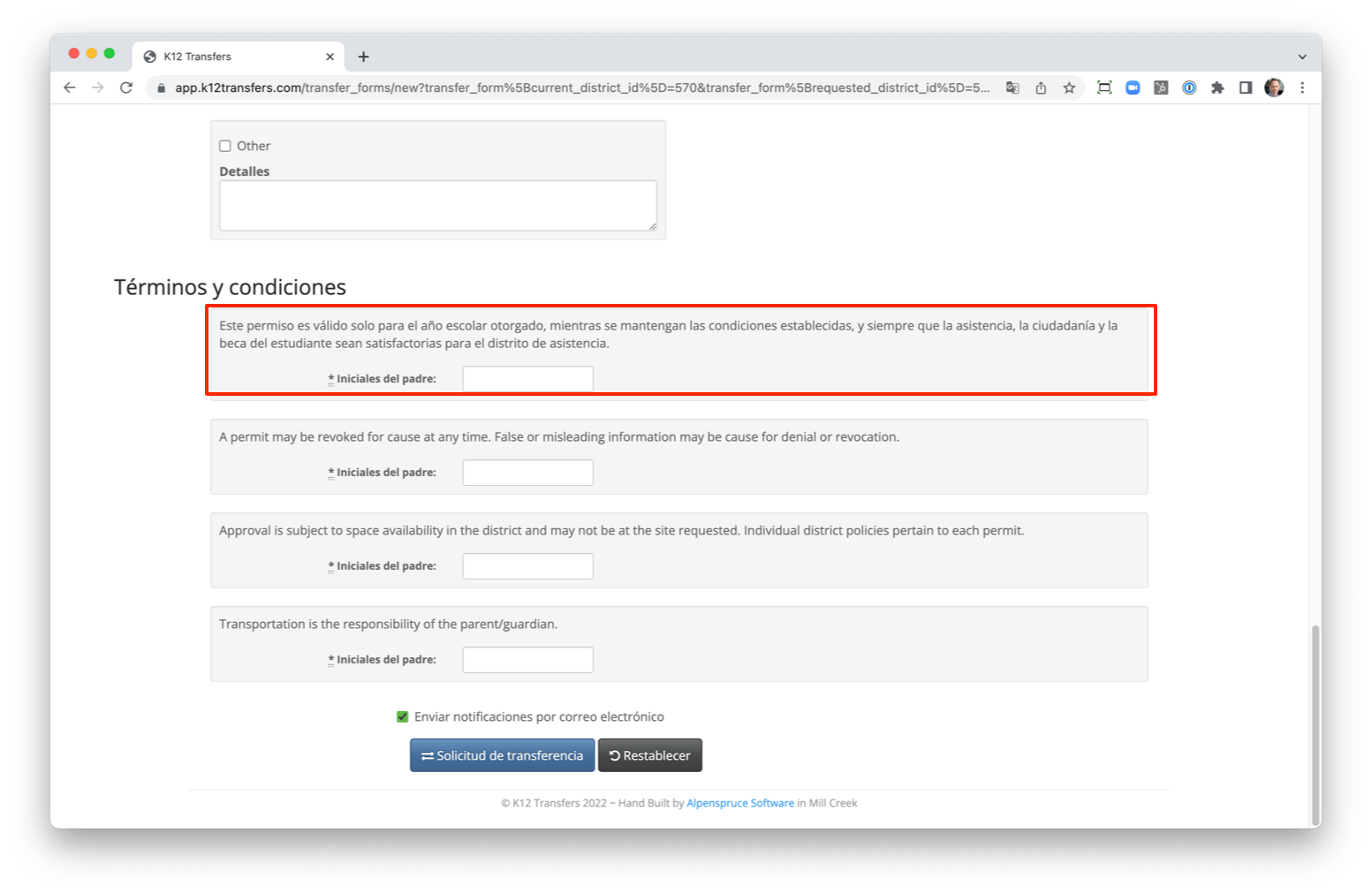
Language Support
K12 Transfers supports English and Spanish for all parent facing information: Reasons, Policy Terms, Attachment Types, Email Templates, and Letter Templates. If only one language exists for a particular area, then all parents will see the single language. E.g., if only English exists parents will continue to see the English even if they view the transfer request in Spanish.
Adding language support is straightforward:
- Navigate to the section you wish to change. E.g,. Admin --> Policy Terms
- Edit the section you want to change
- Switch to the language you want to add support for. E.g., Spanish
- Add the updated language
- Save
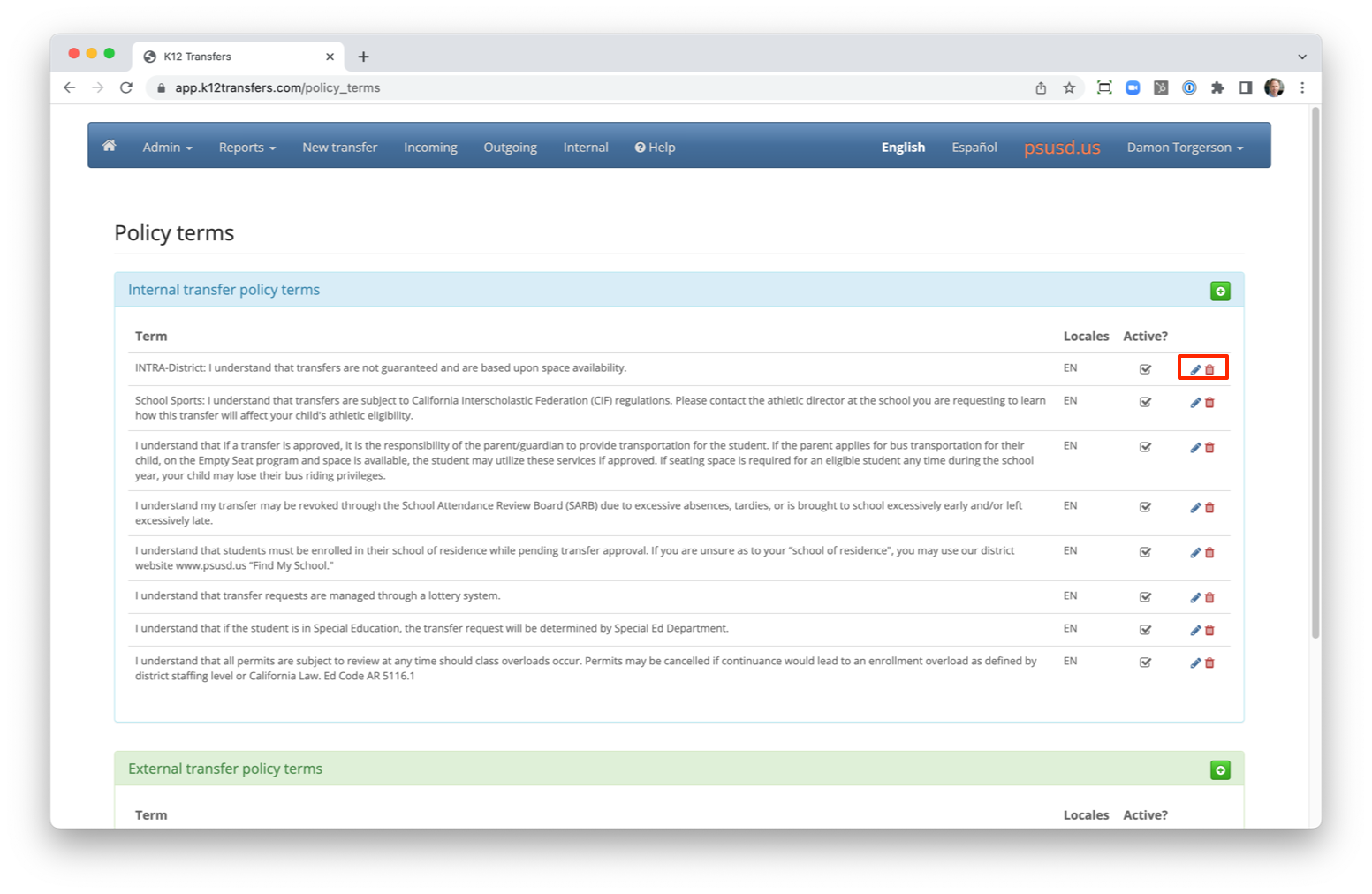
Here is an example using Policy Terms.
Edit the term to add a translation.
Switch to the language you wish to provide a translation for.
 Add the translation and click save.
 Will now see multiple language for the term.
 Parents will see the translation if it exists. (Note, not from the example above).